
Winter is over, hopefully, and spring has sprung! Cleaning your home is a sign of the season, but it's also important to add your computer to your spring-cleaning to-do list. Just like your home, your PC deserves a routine clean and purge. Here are a few tasks to do this spring to prolong your computer's life and maximize its performance.
Reboot your computer. Completely turn off your computer and start it again. This is important if it's been more than a week since you have last turned off your computer. Not only will rebooting your computer allow it to make necessary updates, but it will also clear your RAM (random access memory), which in turn allows your device to run faster and more efficiently.
Delete unnecessary data. Remove any files, software, apps, etc. that aren't being used anymore to clear up space on your hard drive. Use the Disk Cleanup tool if using a PC to help free up space.
Back up important files on an external hard drive. After deleting the unnecessary files, consider using an external hard drive to store your data. This will free up space on your hard drive and reduce the risk of losing important files in the event of a computer crash, virus, theft or disaster.
Clean up your email. Delete unwanted mail and empty the trash. Unsubscribe from any lists that are no longer of use to prevent clutter in your future inbox. Sort mail from largest to smallest, deleting mail with big attachments. Reorganize the mail you have left into folders in a way that makes sense to you. Consider using an Online Archive to automatically move mail older than couple of years to the archive. Also, delete or disable unused email client add-ins.
Change passwords. Update your passwords frequently. Create a complex password, eight to sixteen characters long with a combination of numbers, uppercase, lowercase and special characters. Instead of using something that you can't remember, consider using a phase consisting of three words alternating between uppercase and lowercase, a number, and a special character, such as: "ironBEATSsteel4$". Do not use the same password for multiple accounts and do not use unsecure web browser password managers. Read more password tips here.
Update your operating systems and anti-virus/spyware/adware protection. Although rebooting your PC should automatically update your computer, you should check other software and applications for updates. These system updates and patches will help prevent system breaches. Additionally, update your anti-virus/spyware/adware protection and make sure it's running efficiently.
Clear your cache and delete your history on your browser. Clearing your history and cache on your browser is also helpful for your computer's performance. Also, remove browser extensions you no longer use on your internet browser.
Physically clean your computer. Dust can damage or even destroy parts of your computer. Here are a few tips for physically cleaning your computer:
- Before starting to clean, unplug your computer and accessories. Do not spray anything directly on your devices.
- Turn your keyboard upside down and gently shake it to remove dirt and dust. Then, use a can of compressed air to clean the keys. Take a cotton cloth with rubbing alcohol and clean the tops of the keys.
- To clean your mouse, moisten a cloth with rubbing alcohol and use it to clean the top and bottom of the mouse. If you have a tracking ball, remove it and use the cotton cloth with rubbing alcohol to clean it.
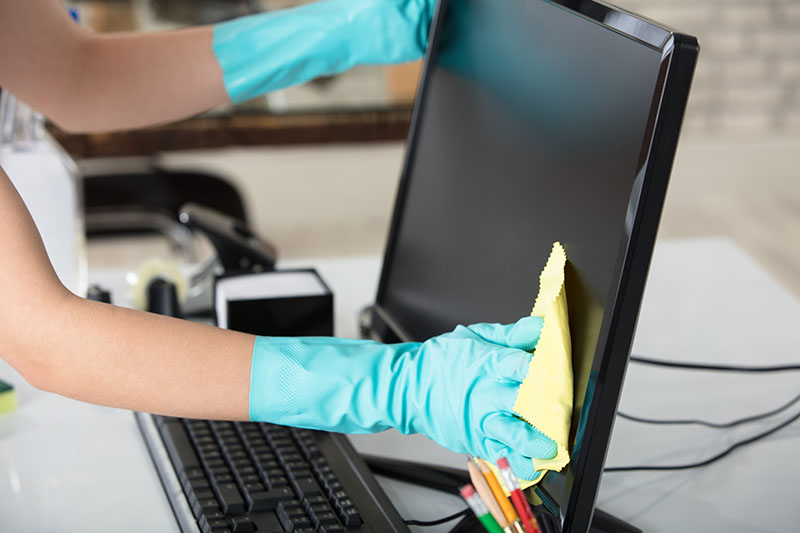
- Clean the monitor by using a microfiber cloth to wipe the screen using a special screen cleaning product. Do not use a glass cleaner or water as this could damage anti-glare coatings.
- Dust your computer by using a microfiber cloth. Do not use furniture cleaners or solvents. Use a can of compressed air to blow out debris. Hold the compressed air can up right for proper operation.
To learn more about keeping your computer and other aspects of your IT infrastructure virtually and physically clean, contact your Stratosphere Networks account manager.